Use it solo or with a team*
Whether you're working alone or with a team, you can rely on Fanurio to track time, manage projects and be paid for your work.
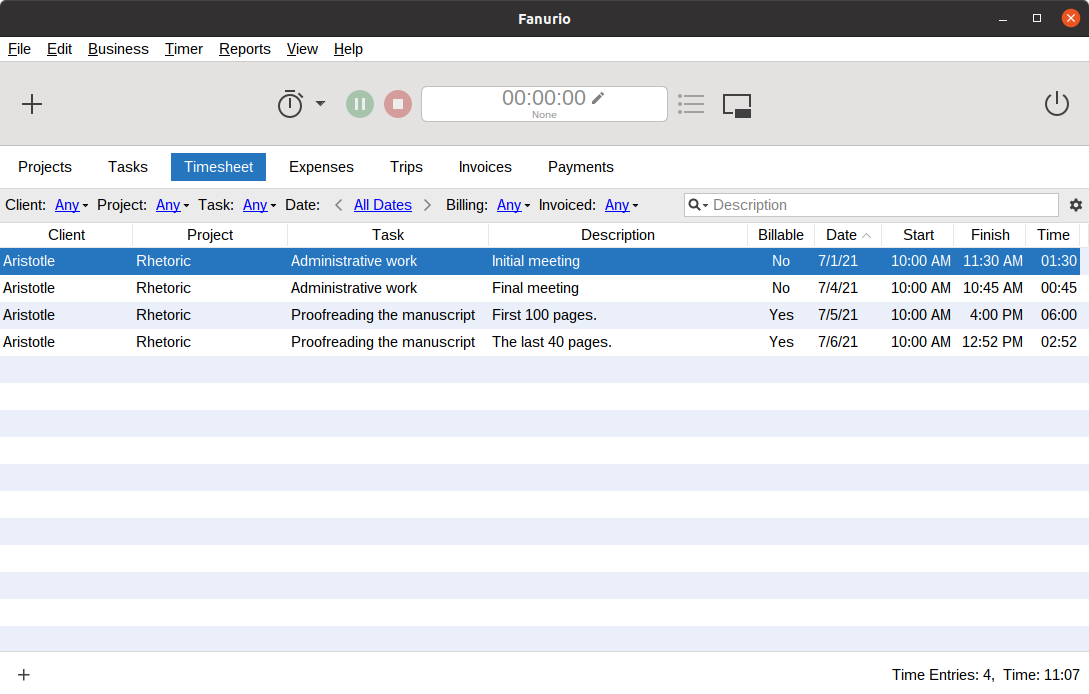
Standalone vs Server
The standalone version is designed for freelancers who work on a single computer while the server version is designed for teams and freelancers who work on multiple computers.
If you're starting solo and then you're working with a team, you can upgrade from the standalone version to the server version and keep your old data.
Works offline
When using the server version, you can record data offline and sync it with the server when it's back online. This allows your team members to do their job even if the server is down for maintenance.
Self-hosted
Both the standalone and the server versions must be installed on your computers.
This can be important if you prefer self-hosted software over cloud software or if have a very strict privacy policy that prohibits you from using cloud software.
Get organized with projects
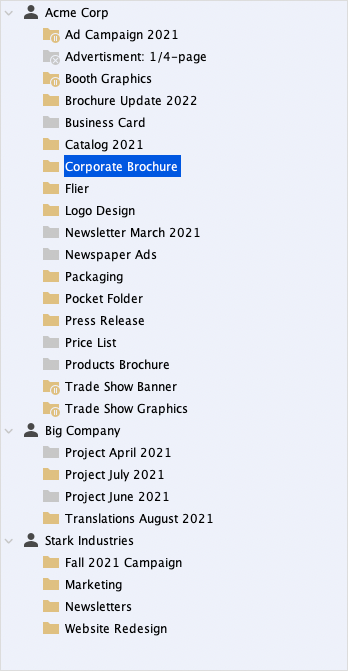
Projects
Fanurio uses projects to organize tasks, expenses, trips and products that you need to bill to your clients.
Tasks
Use tasks to plan, manage and bill work. A task could be used to bill three hours of programming or ten pages of Greek text translated to Latin.
Trips
Use trips to record the distance and time travelled with a vehicle whether it's for billing or for tax purposes. Distance can be tracked in miles or kilometers.
Expenses
Use expenses to record money spent for a project. Billable expenses can be billed at their actual cost or marked up.
Products
Use products to bill anything else. A product could be a computer, a set of icons or a monthly fee for website hosting services.
Track time with little effort
Fanurio provides multiple methods to help you track time with little effort. The iTunes-like mini timer allows you to control timers and see the status of the current timer.

Fanurio uses reminders and idle time detection to help you start, resume or stop a timer so you can focus on your work.
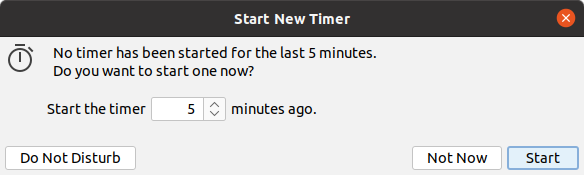
Fanurio integrates with the desktop so you can easily access timers and see their status.
On macOS, you can control the timers from the menu bar and the dock icon. On Windows, you can control them from the thumbnail toolbar or from the tray icon.
On Windows and Linux, you can use global hotkeys to control the timers from within any running application.

Get paid for all your work
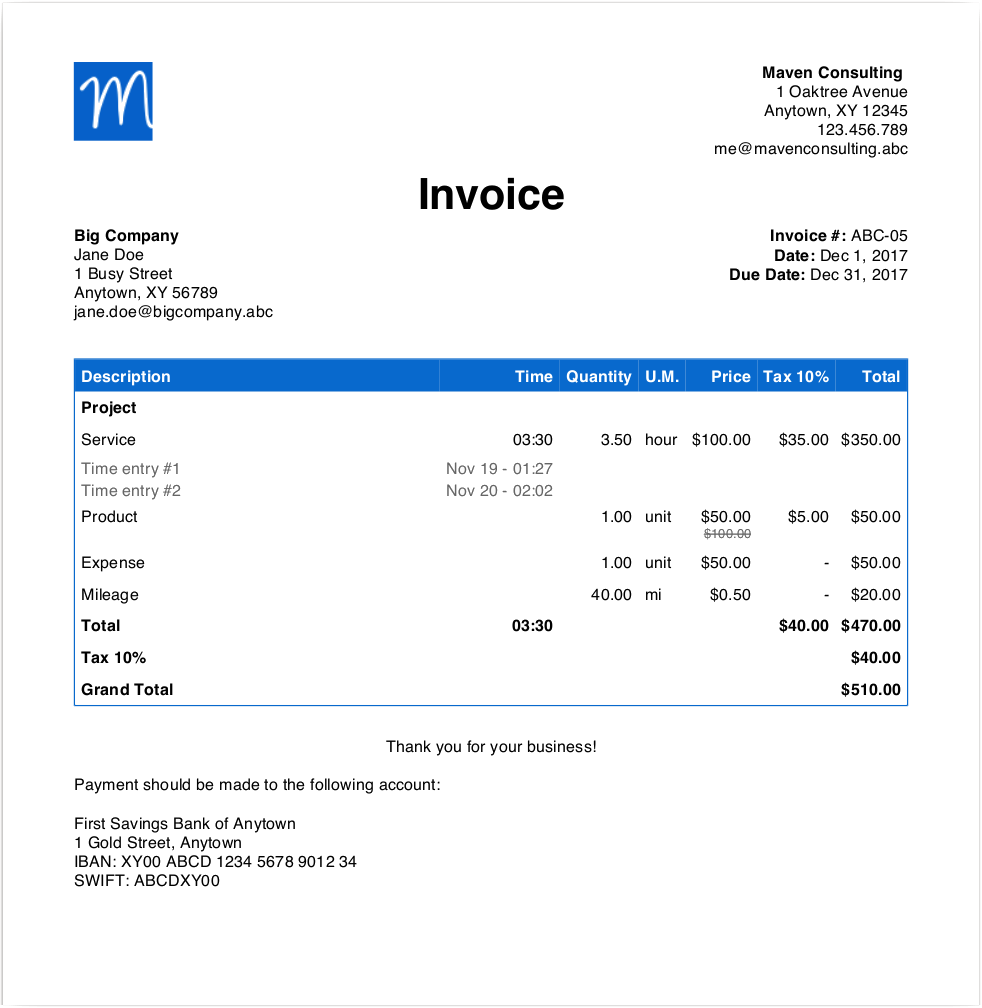
From the moment you get a new contract until you are paid in full, Fanurio offers you the right tools to manage and bill all your work down to the penny. This includes:
- support for multiple currencies,
- ability to bill time, expenses, trips and products,
- time rounding,
- discounts,
- taxable and non-taxable items,
- multiple taxes,
- automatic invoice numbering,
- ability to send invoices by email, and
- deposits.
Fanurio can export invoices to HTML, PDF, Microsoft Word 2007, OpenDocument and other formats so they can be printed or e-mailed.
Invoice templates can be created manually, with a visual editor (Adobe Dreamweaver, Microsoft Word, OpenOffice or LibreOffice) or with the built-in template editor.
Analyze your performance
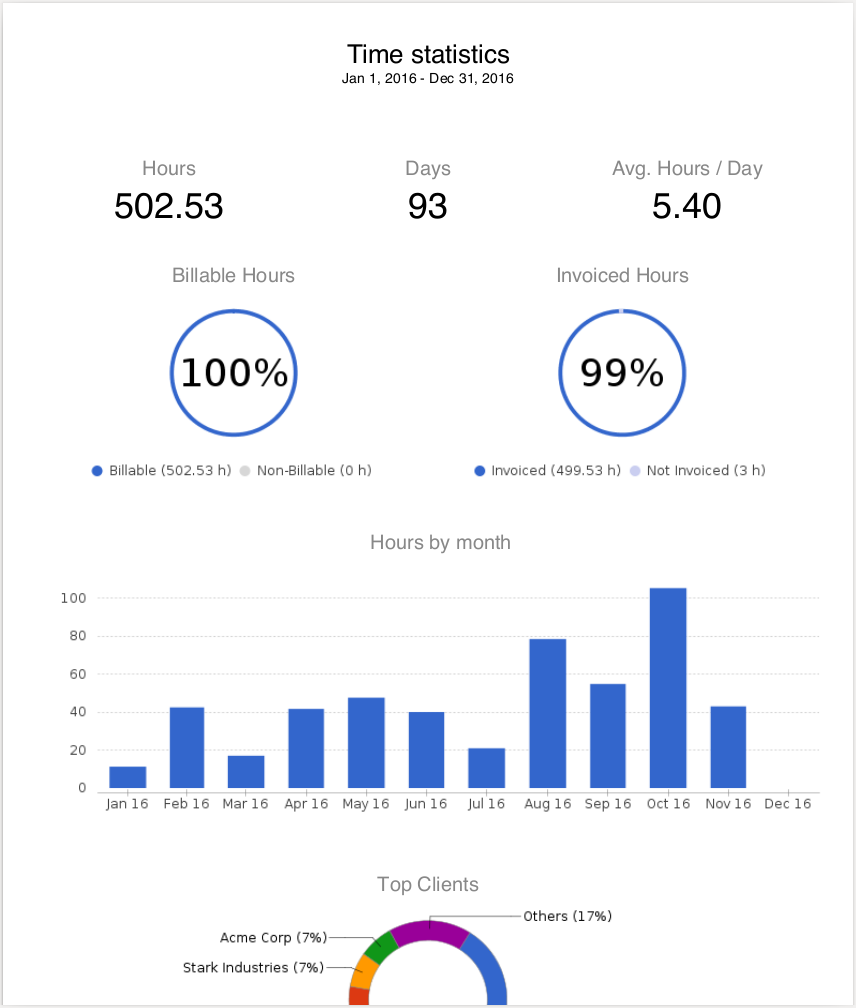
Use reports and charts to analyze your business and make well-informed decisions about your projects and clients.
With Fanurio, you can easily see things like:
- Which invoices are overdue,
- How much time you recorded this week,
- How many miles you travelled this month or
- How much money you spent on travel expenses this year.
Fanurio has reports for almost anything: projects, tasks, time, expenses, trips, and sales.
Reports are very flexible as they allow you to use custom templates to format data. This means you can customize both the content and the format of your reports.
You can use HTML, OpenDocument Text, Microsoft Word, XML, CSV, or plain text templates to create the reports you need.
Use it on multiple platforms
Fanurio runs on macOS, Windows, Linux and other flavors of Unix.
The same license allows you to use Fanurio on all platforms. This can be very helpful if you need to work on multiple computers with different operating systems or if you decide to replace your old desktop PC with a new MacBook.